

Two weeks on screen: what changed in the web app
 Jan Przysucha
Founder of Poker Academy. Writes the product guides and updates on this blog.
~1 min read
Hey!
Over 40 visible changes, October 31 to November 14. Less chrome, fewer words, loading screens that look like what they load.
Browse
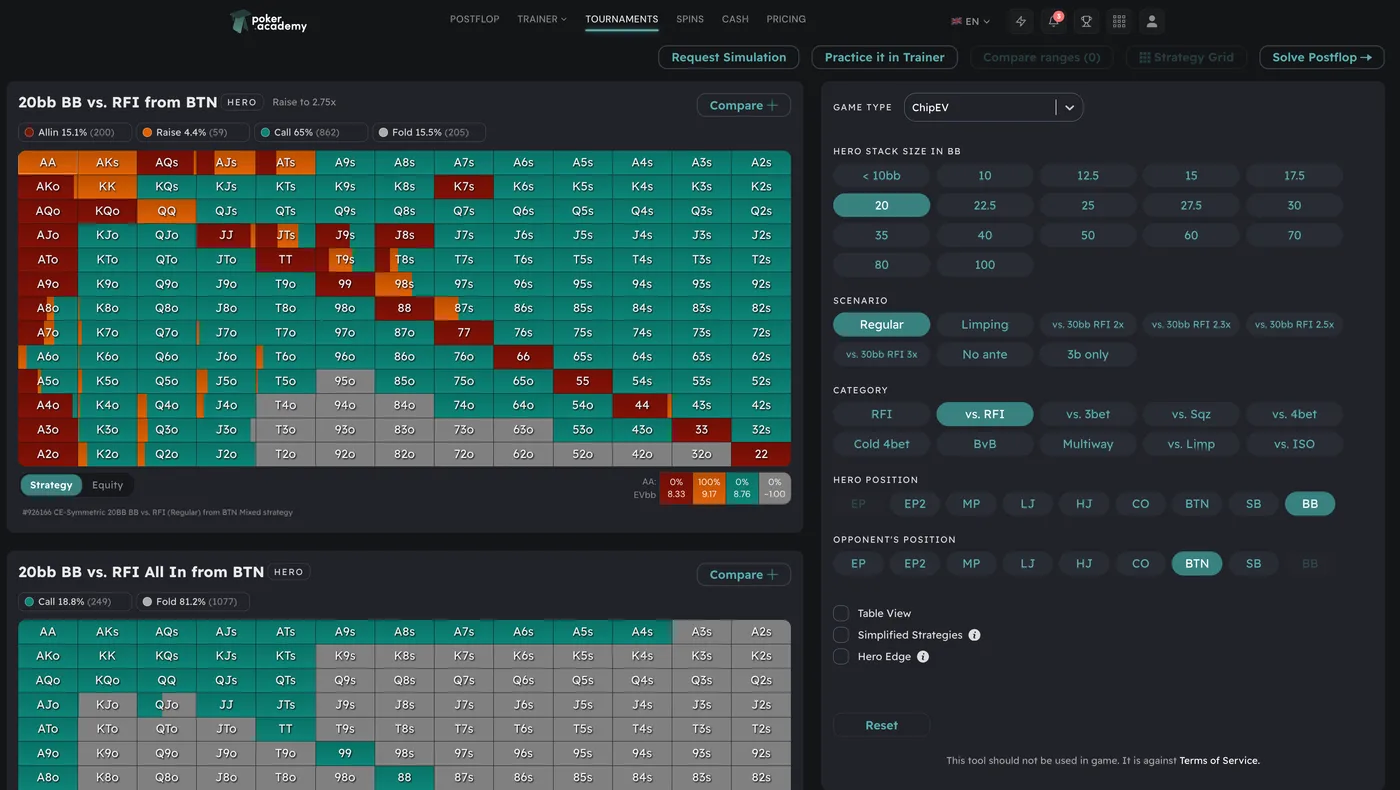
- Preflop matrix without a frame.
- Fullscreen: one button in the top bar.
- "+N more" in the action trail opens in place.
- Solving a flop jumps straight to the flop.
- Preflop Strategy menu lists only working views.
- Range editor: brush weights, Top % presets, Undo, Load from charts.
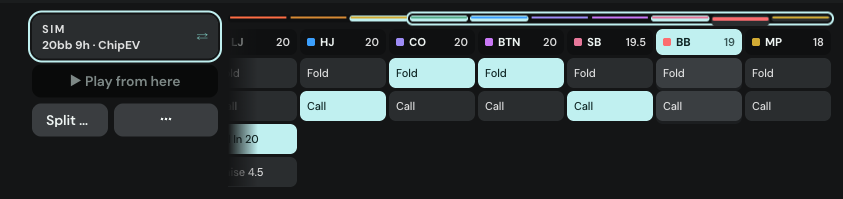
Preflop charts
- Square matrix on big monitors.
- Fixed toolbar slots; unavailable buttons stay greyed out.
- One-press range copy: PioSOLVER, PPT, Equilab, GTO+.
- Table view draws the felt right away.
- "Solve flop" opens Configure Flop over the chart.
Practice
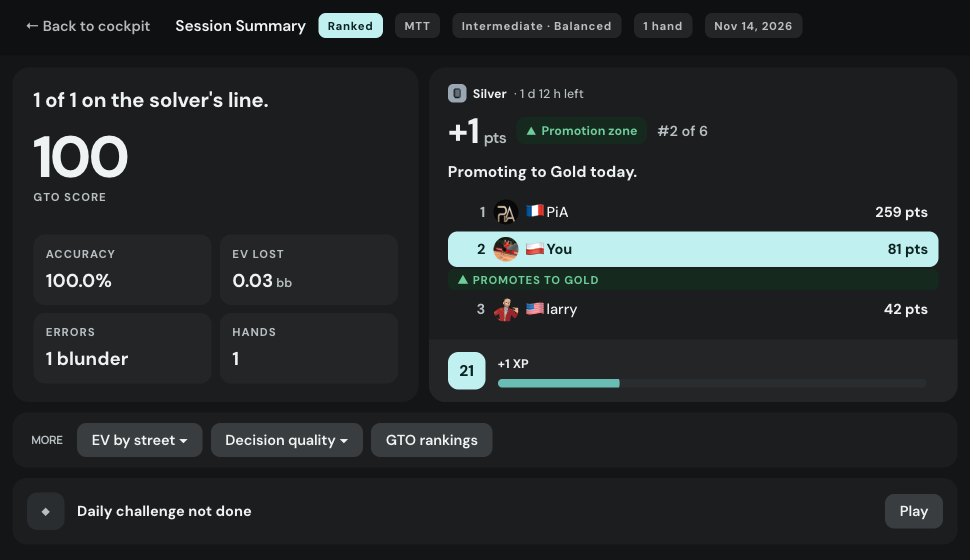
- New Session Summary: how you played, what you earned, what to fix.
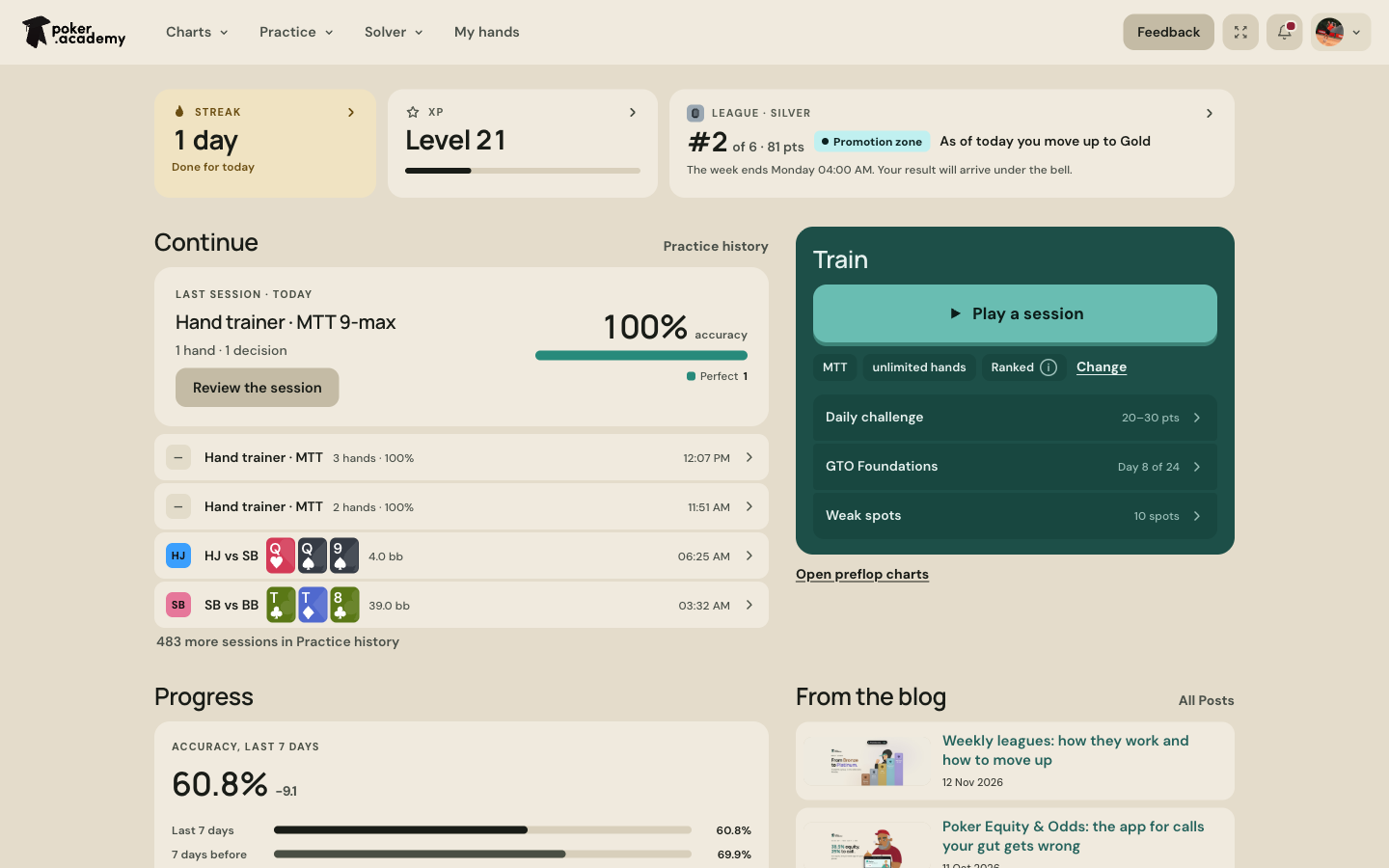
- League and XP in one panel, no confetti.
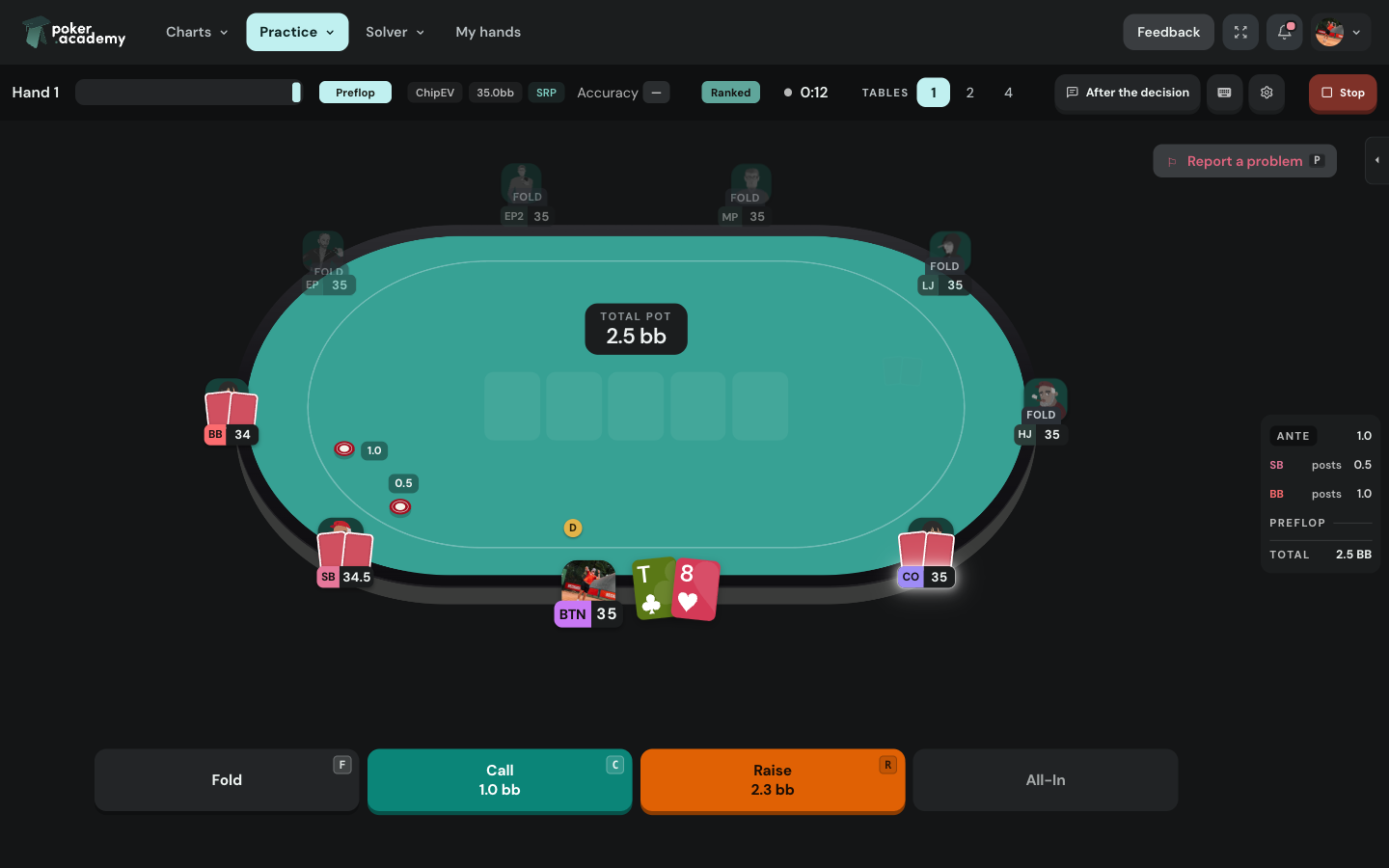
- Seat label in one row: position and stack.
- Bigger board and cards on 4 tables.
Play this spot instead of reading about it
Start Free TrialThe trainer deals the situations this article describes and grades every decision you make. Try it free for 3 days.
Dashboard
- Last session card: accuracy and a verdict bar.
- Trial row only in its last 7 days.
- One Continue list.
- A character from our cast next to Train.
Account and themes
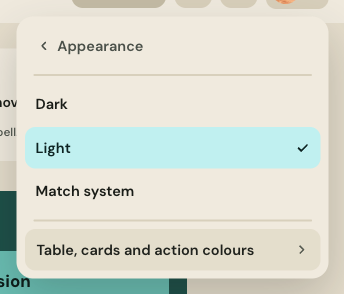
- One Appearance row: Dark, Light, Match system.
- Blue fold stays blue in dark themes.
- Feedback takes screenshots.
Light mode
- Lighter fold cell on paper.
- Visible trail scroll line and skeleton.

Canvas and the website
- "Open in Canvas" asks where.
- Live collaboration for everyone.
- New phone layout for the landing page.
Loading screens
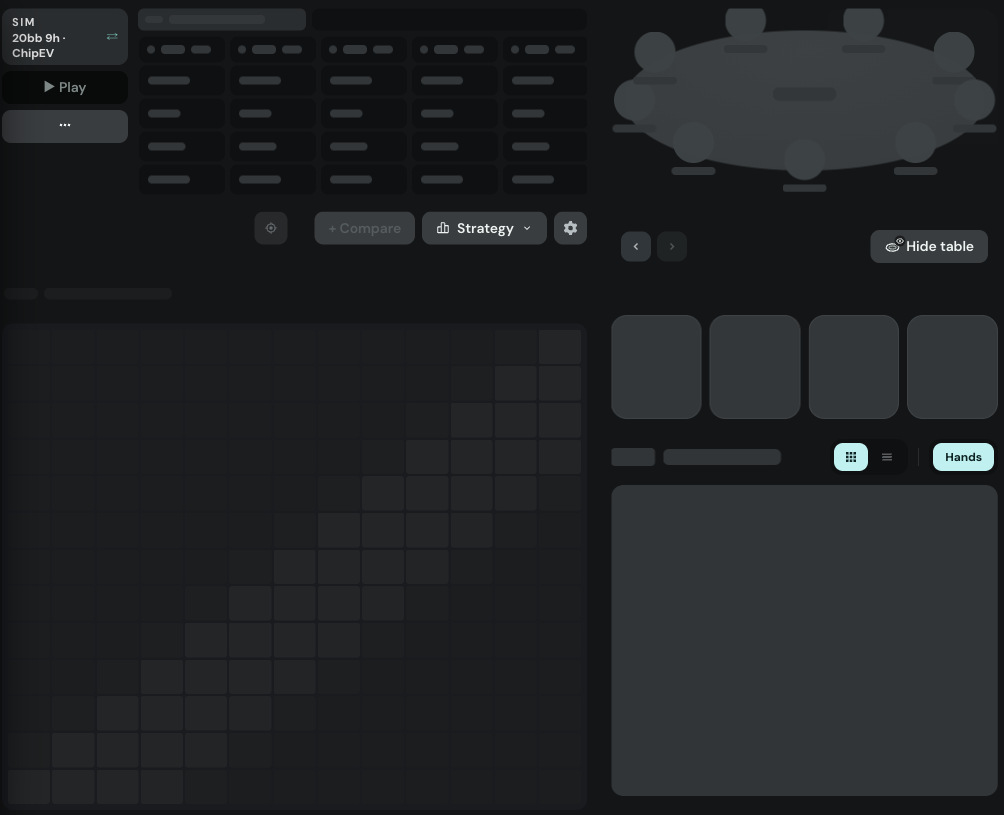
- One pulse for every skeleton.
- In Browse the skeleton fills the whole stage.
- Charts keep the old chart dimmed while the new stack loads.
Cheers! 🙂
Related posts
Poker Academy
Stop guessing preflop.
1,500,000+ GTO preflop solutions. Try them free for 3 days.
Start Free TrialCancel anytime.